In Service Manager, you can place items on hold at any level — individual agreement items, whole sites, customers, or contractors. Anything on hold will not be manifested during the specified dates.
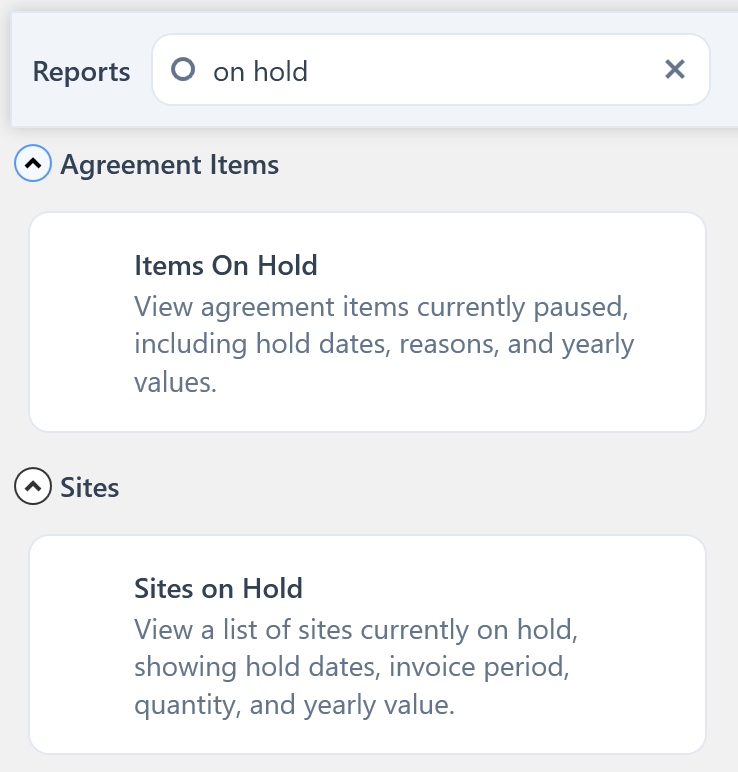
You can find the On Hold reports by searching for On Hold on the Reports screen from the main toolbar.
You will see two different options:
- Items On Hold – lists agreement items currently on hold
- Sites On Hold – lists sites currently on hold
Clicking on the report required will open it in a new window.