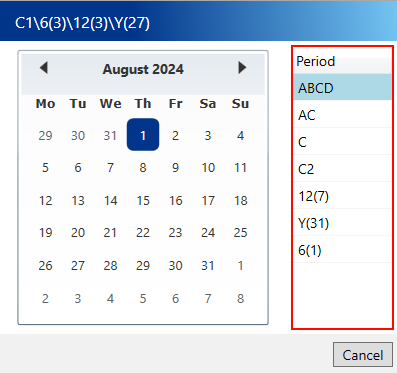
There will be occasions when you need to determine the various delivery periods that correspond to a specific date. For example, if you are planning a 12-weekly or annual delivery well in advance and have a specific start date in mind, you will need to identify the corresponding delivery period from the calendar.
To view the calendar, click the calendar button next to the current week reference on the main toolbar.

A calendar will then appear in a popup, allowing you to select a date. The scheduled periods for that selected date will be displayed in a list on the right.