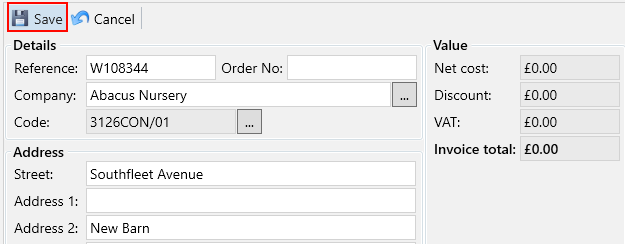
There may be occasions when you need to make changes to an invoice, such as updating an item description or a PO number.
Navigate to the Invoices tab under the Finance section.

Use the filters on the left to find the invoice for which you want to make amendments. Then, click the Edit button.
In the Agreements tab, select the agreement that you wish to make amendments to. Then, in the bottom grid you will see the items for the agreement you have selected.

You can double-click the item to open a popup where you can adjust the quantity, unit cost, and description as needed.
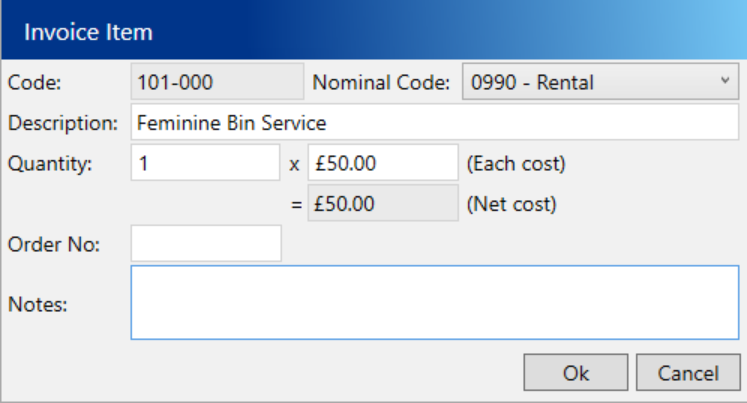
When you have made your amendments to the item, click the Ok button.
Once all of your amendments have been made, click the Save button at the top of the screen.