It is inevitable that someone will eventually forget their password. Drivers can reset their passwords directly through the mobile application.
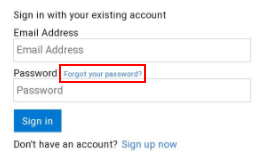
In the mobile application, press the Sign In button. Then, in the popup, select the Forgot your password link.
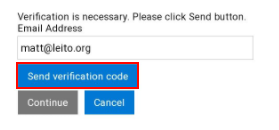
On the next page, enter the driver’s login email address and press the Send Verification Code button.
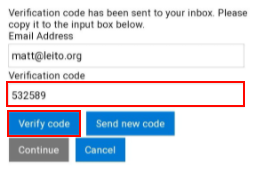
You will receive a verification code at the email address you provided. Enter this code into the Verification Code box, then press the Verify Code button, followed by the Continue button.
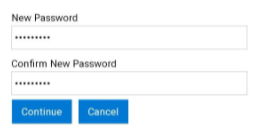
On the final page, enter and confirm your new password. Once you’ve done this, press Continue to complete the process. You can then log in as usual using your new password.