
It is important to check your low stock items so that you know what needs to be reordered. A stock item is considered to be low stock when the in-stock quantity falls below the re-order level for that stock item.
For more information on stock levels, see How do I keep track of Stock Levels?
Table of Contents
Searching for low stock items
Navigate to the Stock tab under the Stock section.

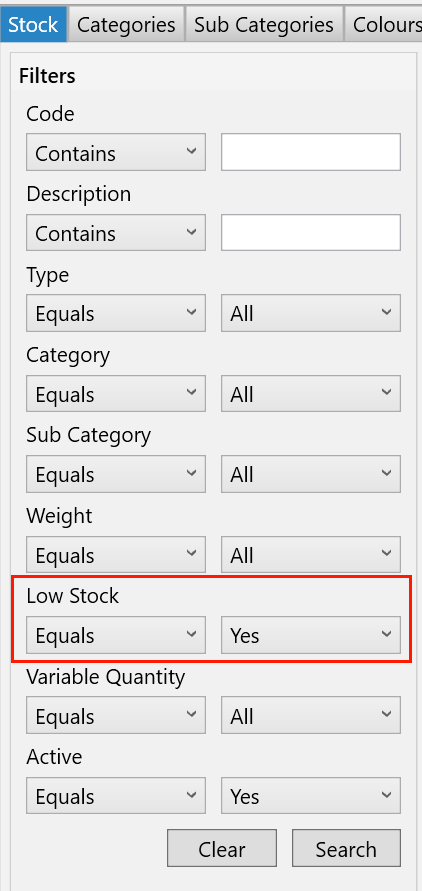
Next, set the “Low Stock” filter on the left to “Yes.” This will display items considered to be low in stock. You can also combine this with other filters if necessary.
Viewing the low stock report
You can find the Low Stock report by searching for it on the Reports screen from the main toolbar.
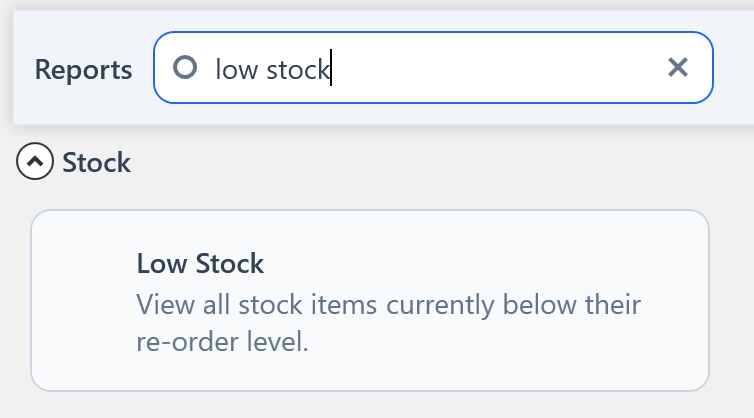
The report will be displayed with all items that are currently considered to be low stock on it.