
The list of issues that drivers can select from is managed via Service Manager. You can add or modify issues as needed, and they will then sync to the mobile app.
To access delivery issues, navigate to the Delivery Issues tab under the Issues section, located in the Administration menu on the main toolbar.
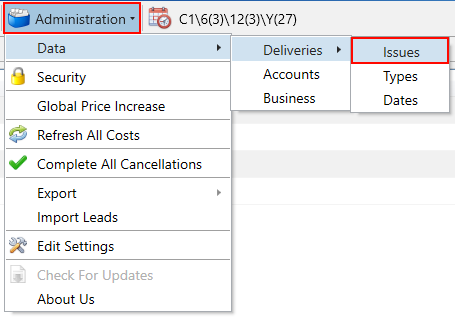
Next, use the search filters on the left to locate the issue you want to amend, and then click the Edit button. To create a new issue instead, click the New button.
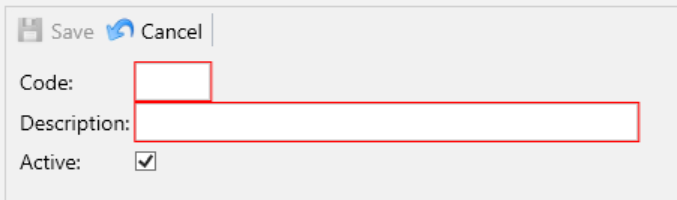
When creating an issue, enter the following compulsory fields:
- Code – A code used for grouping and reporting on issues.
- Description– A description of the issue, which will be displayed on the drivers’ mobile app for selection.
Click the Save button.