At times, customers may request to cancel something well before the actual cancellation date, sometimes even months in advance. You can track these requests through the Pending Cancellations screen and the cancellation reports.
Viewing the Pending Cancellations screen
Navigate to the Pending Cancellations tab beneath the Customers section.

By default, this will display all pending cancellations regardless of the date. You can use the filters on the left to search for something more specific.
Viewing the Pending Cancellations report
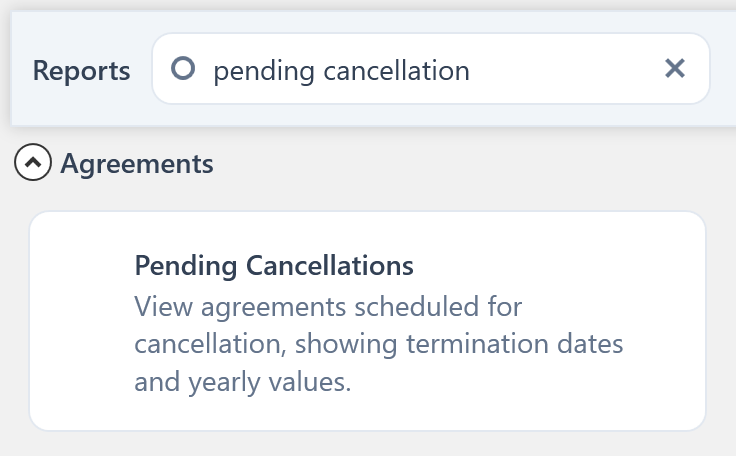
You can find the Pending Cancellations report by searching for it on the Reports screen from the main toolbar.