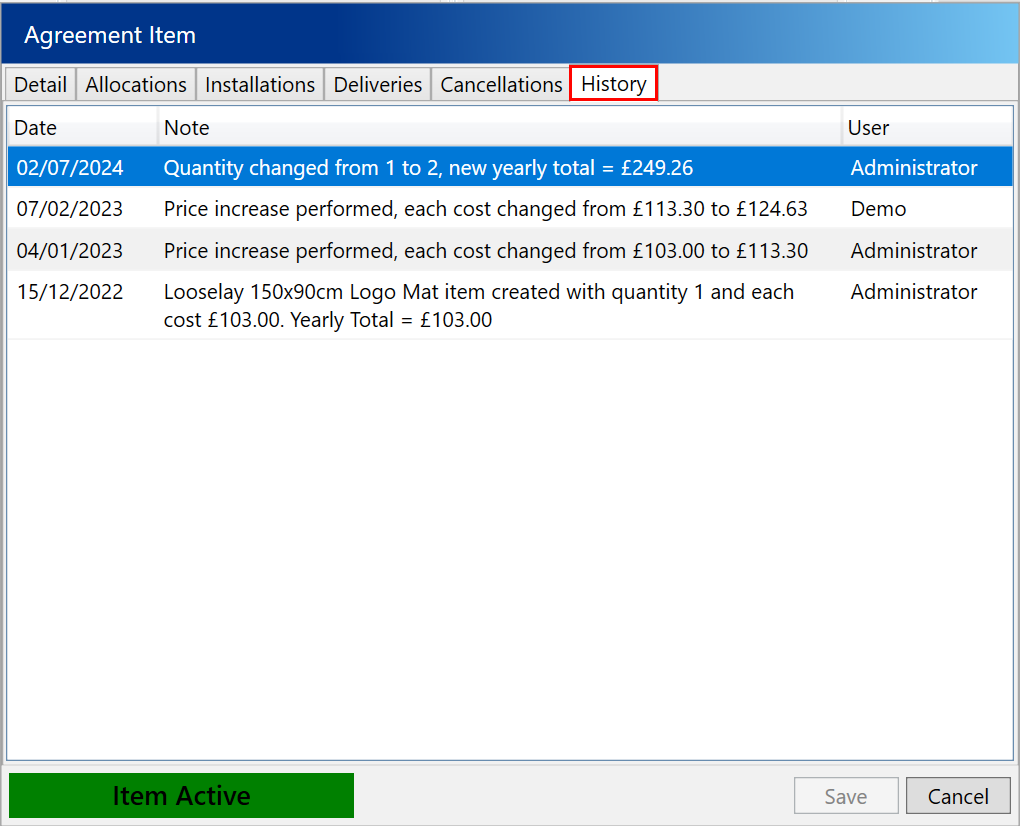
After adding an agreement item to Service Manager, you might need to review its history to understand when and why any changes were made. For example, you might want to find out the reasons behind an increase in its price or quantity.
To view the history for an item, navigate to the Agreements tab under the Customers section.

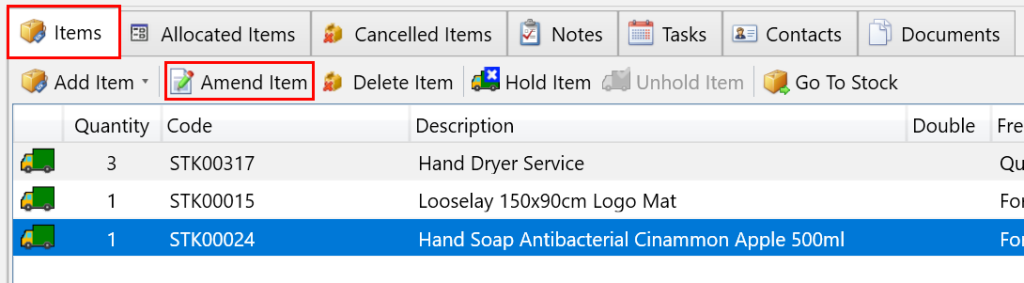
Next, use the search filters to find the agreement with the items you want to view history for. Then, on the Agreement Items tab, select the item you wish to review, and click Amend Item from the toolbar.
In the popup window, click on the History tab to view the history of the selected item.