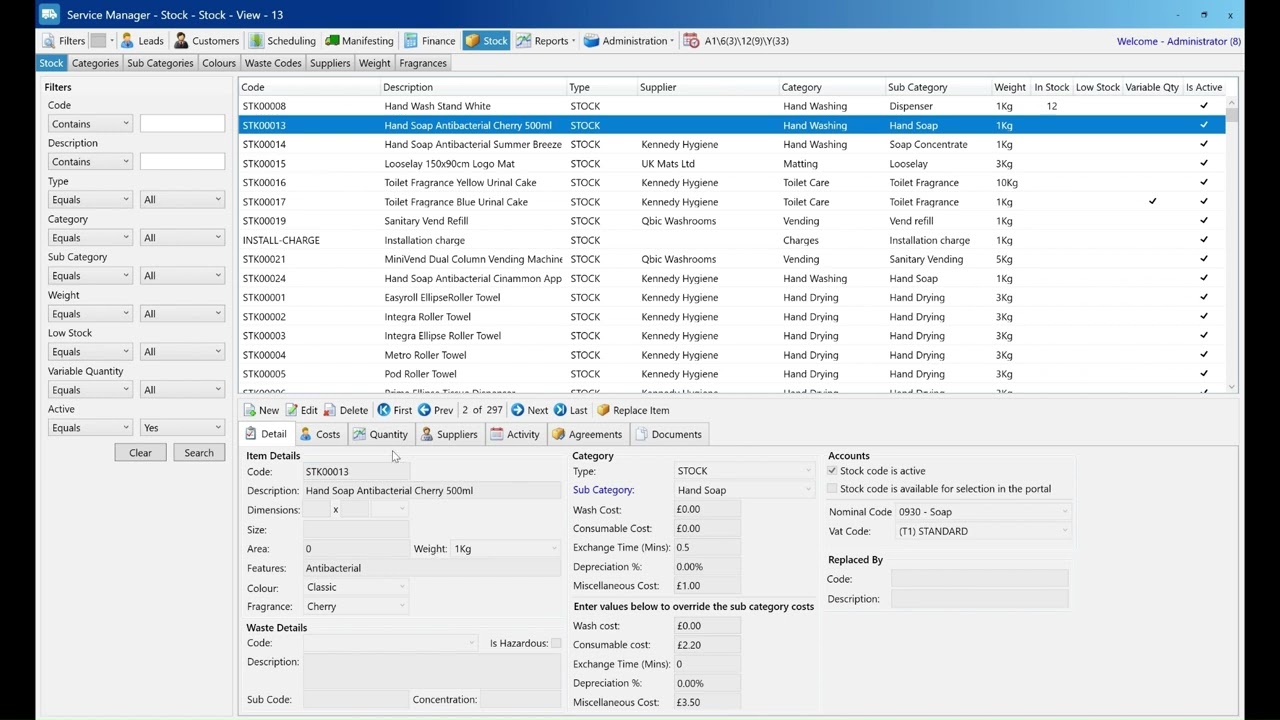
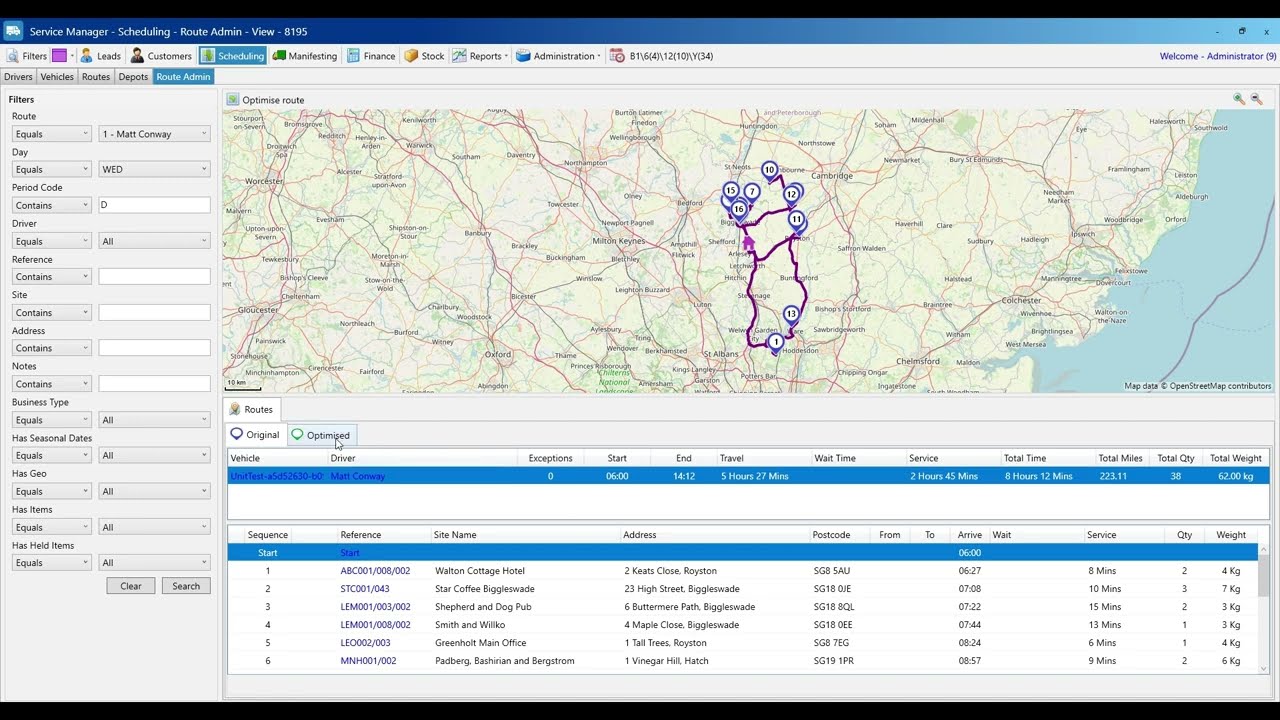
Understanding Placements | Adding and Allocating Item Placements
admin
This video explains what placements are in Service Manager and how to use them effectively.
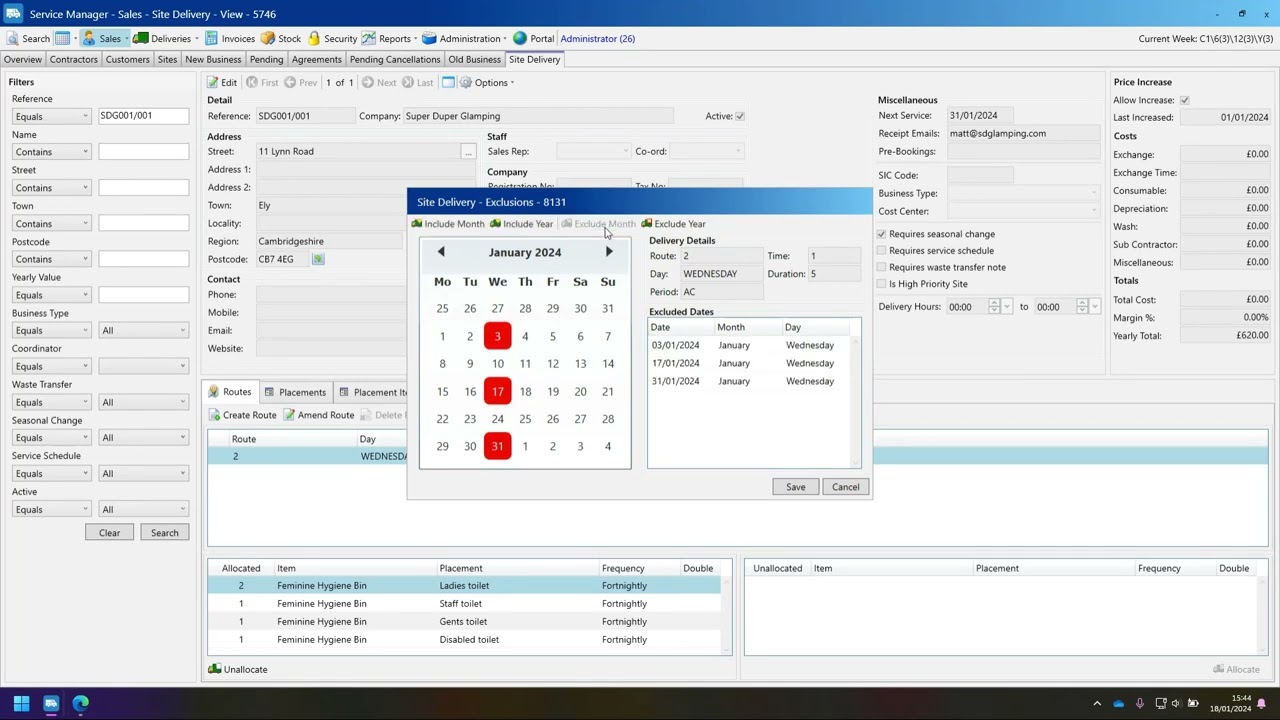
A placement is a specific location within a site where an item needs to be placed or serviced. For example, a site might have bins located at the main entrance, in the gents, and in the ladies’ restroom.
We cover how to:
View the default placement
Create a new placement
Reallocate items using drag and drop
Use the Move Placement tool
Add multiple placements by pasting from Excel
Perfect for anyone managing sites with multiple service points.