
The Customer Portal gives your customers visibility of their accounts, agreements, deliveries and documents in one place. Below is a breakdown of each screen and what you can access.
Search and Filtering
All list screens in the portal include a Filters panel on the left-hand side.
You can enter details such as reference or name and click Search to narrow down the results. Use Clear to reset the filters and return to the full list.
Sales
Under Sales, you can access Customers, Sites and Agreements.
Customers
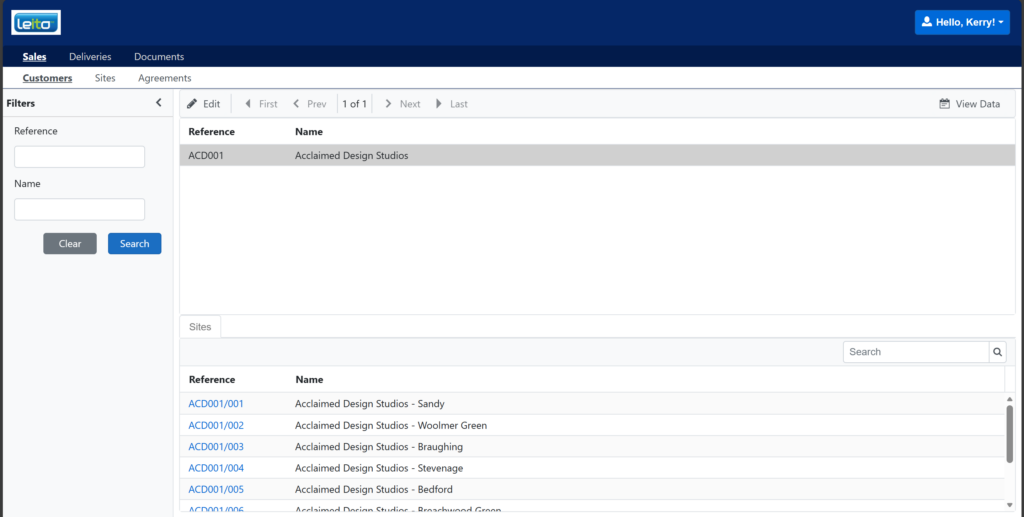
This shows your main customer account.
Here you can:
- View your core account details
- See all sites linked to this customer in the bottom grid
Selecting a customer will display any related sites underneath.
Sites
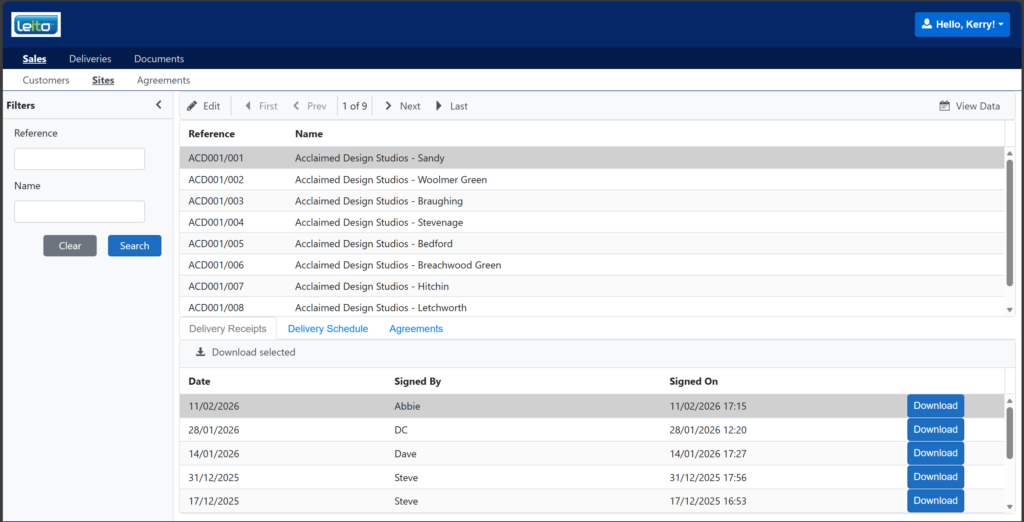
This shows a full list of your sites.
Here you can:
- View individual site details
- See recent services
- View the site delivery schedule
- See which agreements the site is linked to
This gives you a complete overview of activity and contracted services for each location.
Agreements
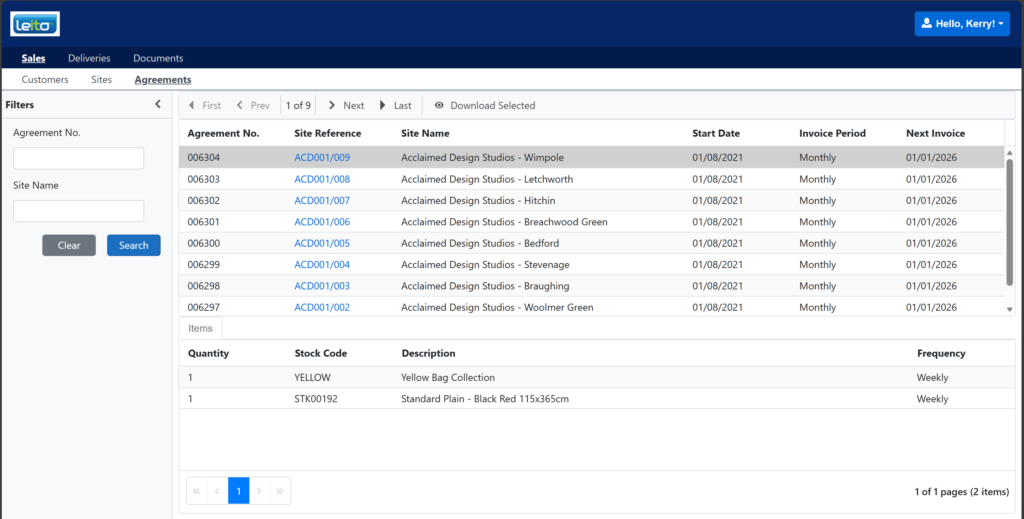
This shows all live agreements.
Here you can:
- View agreement details
- See agreement items in the bottom grid
You can review exactly what services or products are included within each agreement.
Deliveries
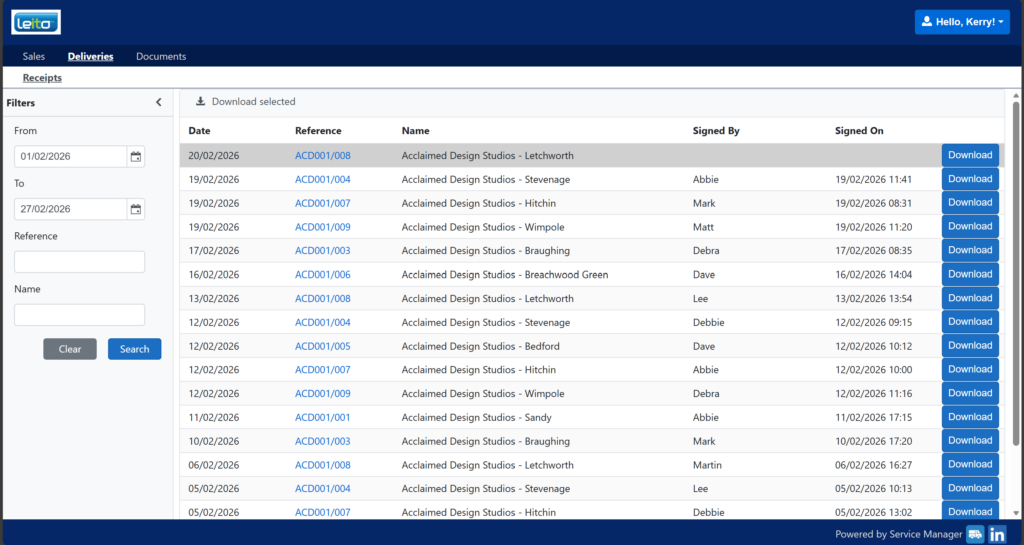
This screen allows you to:
- View delivery history by date
- Download copies of delivery receipts
You can filter by date to quickly find the delivery you need.
Documents
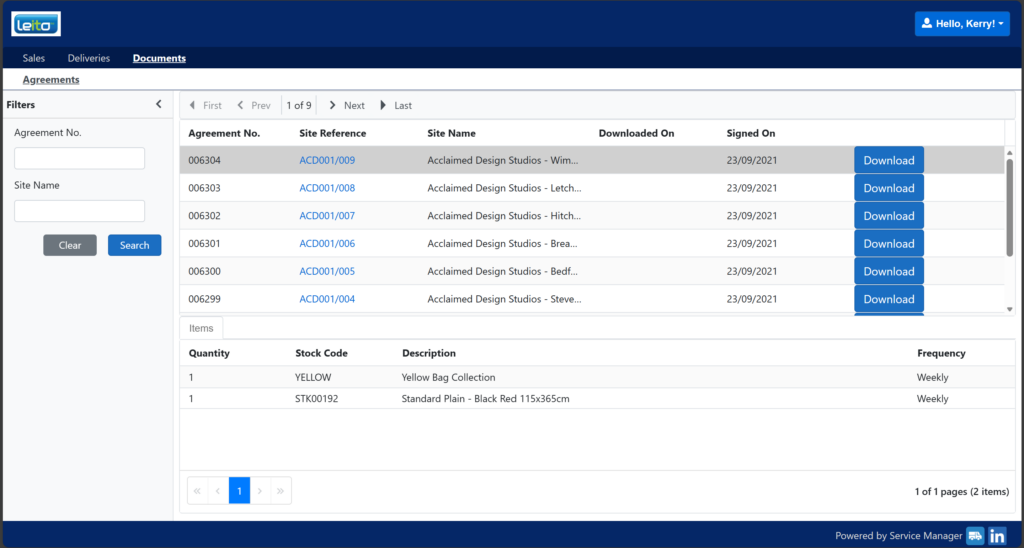
This screen allows you to:
- View copies of your agreements
- Download agreement documents
All key documentation is stored here for easy access whenever you need it.