
If a driver arrives at a site and the mapped location is not quite right, they can use the Parking Location button to update it. This saves their current location against the site so future visits will direct drivers to the correct place on the map.
How to update the parking location
1) Open the site
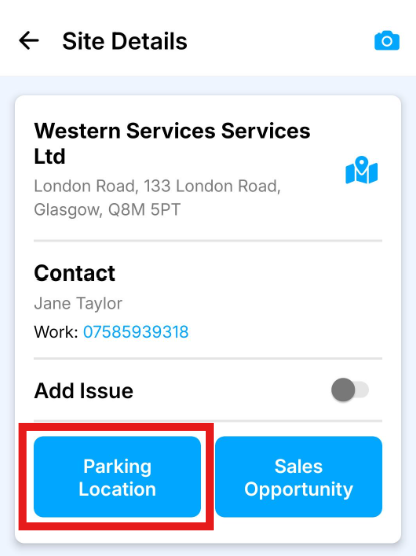
From the route, press the site to open the Site Details page.
2) Press Parking Location
On the Site Details page, press the Parking Location button.
3) Confirm your location
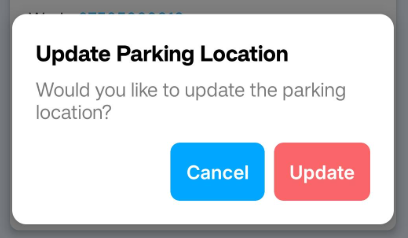
The app will stamp your current location and update the site coordinates to match.
4) Future visits use the new location
The next time drivers are sent to this site, the map will use the updated parking location.