In this quick and easy tutorial, we’ll guide you through the process of adding an item to an agreement. Whether you’re managing service agreements or working with recurring deliveries, understanding how to correctly add items is essential.
We’ll start by explaining the five different item types you can include:
Delivery Items (e.g., mats, towels)
Service-Only Items (e.g., waste management fees)
Static Items (e.g., cabinets, vending machines)
One-Off Items (e.g., installation charges)
On-Request Items (e.g., toilet rolls)
Each item type affects how it’s scheduled and invoiced—so it’s important to get it right.
Then we’ll show you how to:
Add a new item
Choose the correct item type
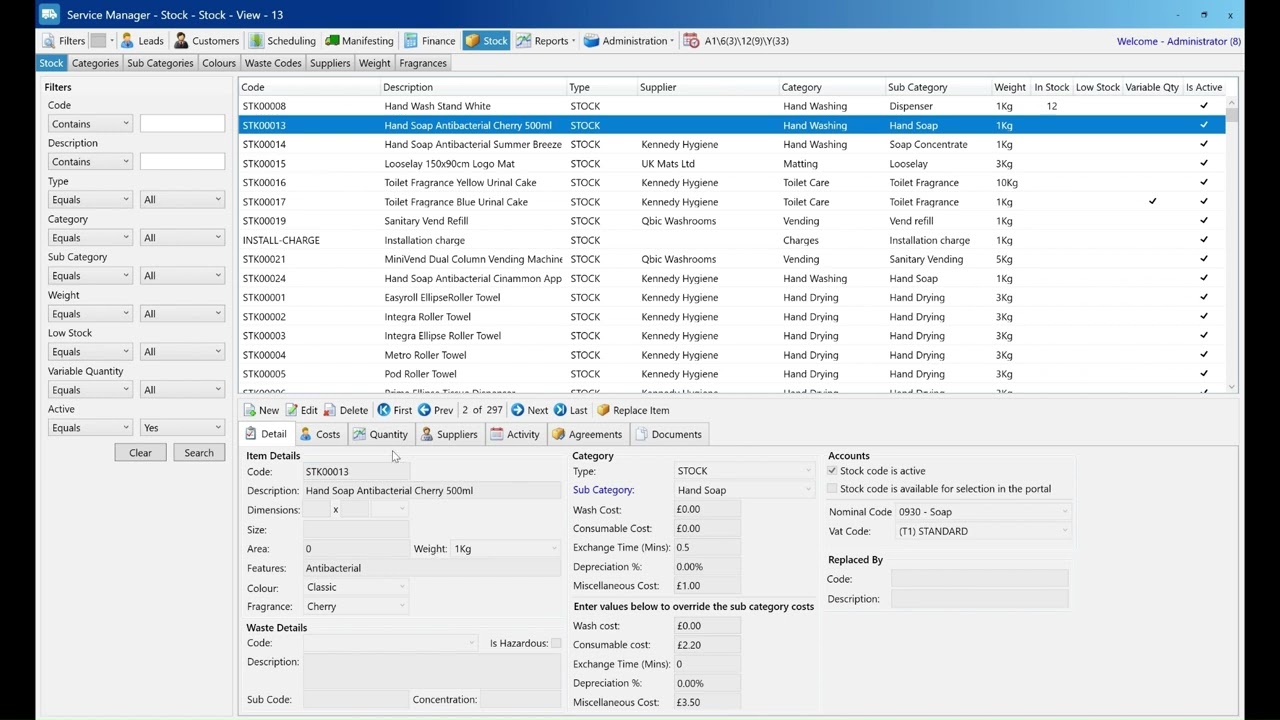
Select stock items and use filters
Set service frequency and agreement length
Enter quantity and cost details
By the end of this video, you’ll know exactly how to add an item to any agreement quickly and accurately.