In this tutorial, you’ll learn how to create a new agreement in Service Manager from start to finish. Whether you’re setting up agreements for a Contractor or a Direct Customer, this video walks you through the entire process clearly and simply.
You’ll learn how to:
Navigate to the New Agreements tab
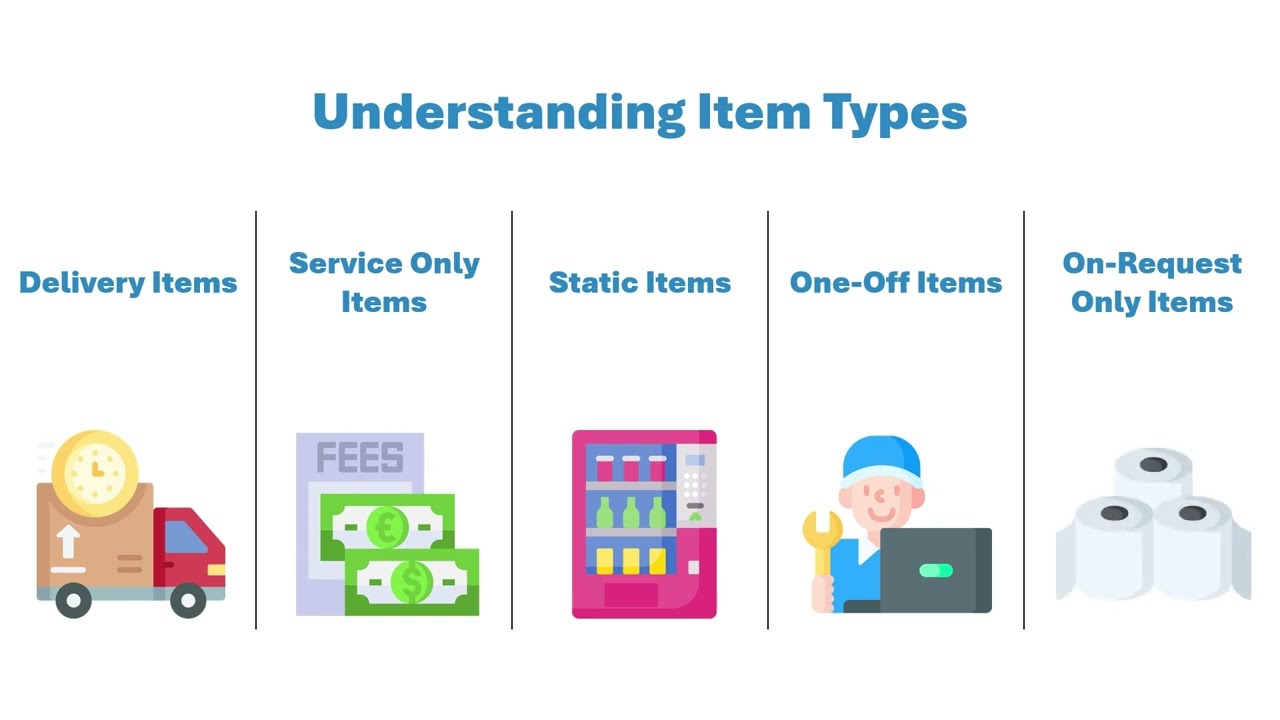
Choose the right agreement type
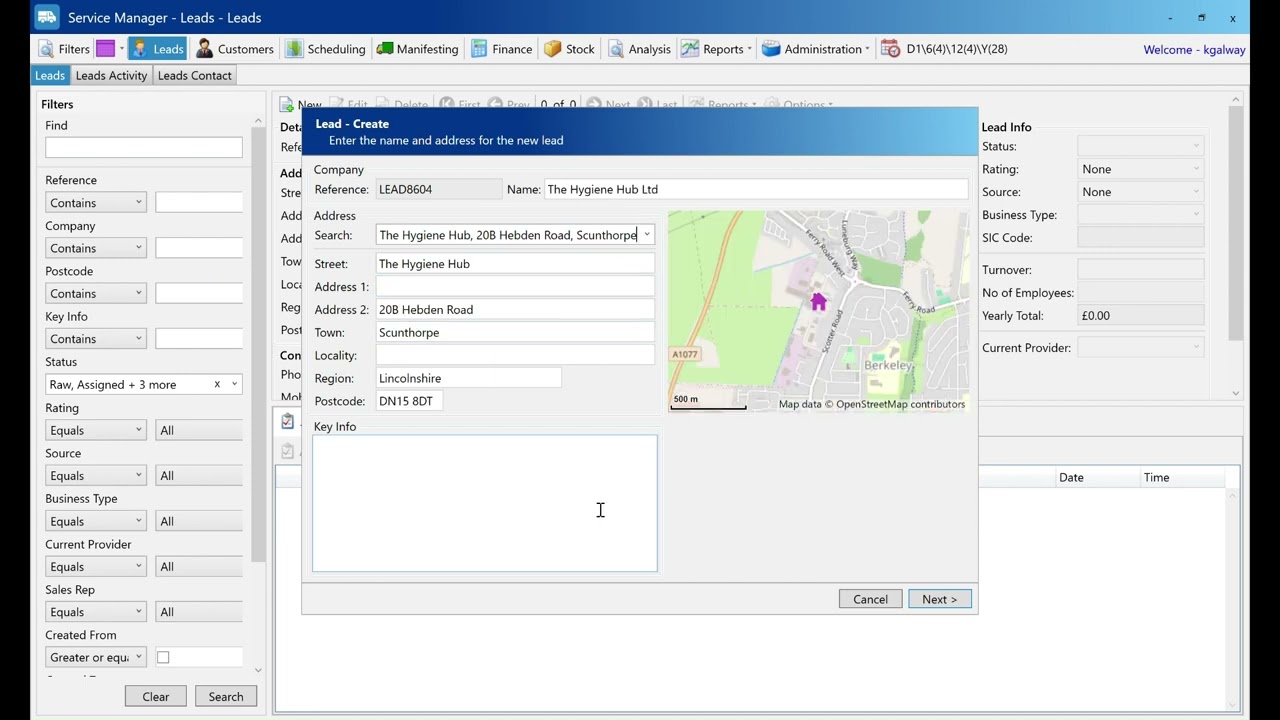
Select or create a customer
Add site details and contact information
Finalize and save the agreement
This video is ideal for new users or anyone looking for a quick refresher on agreement setup in Service Manager.
If you found this helpful, feel free to like the video and subscribe for more how-to content and Service Manager tips.
Have questions? Leave a comment below—we’re here to help.