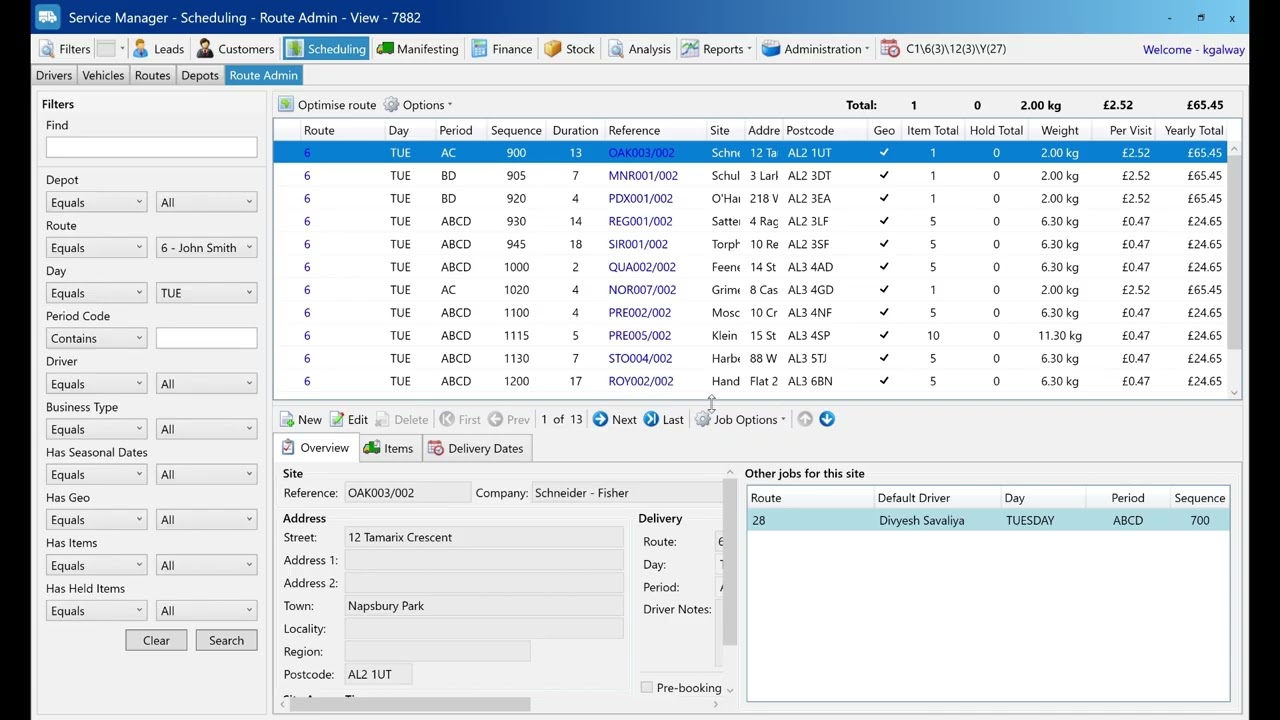
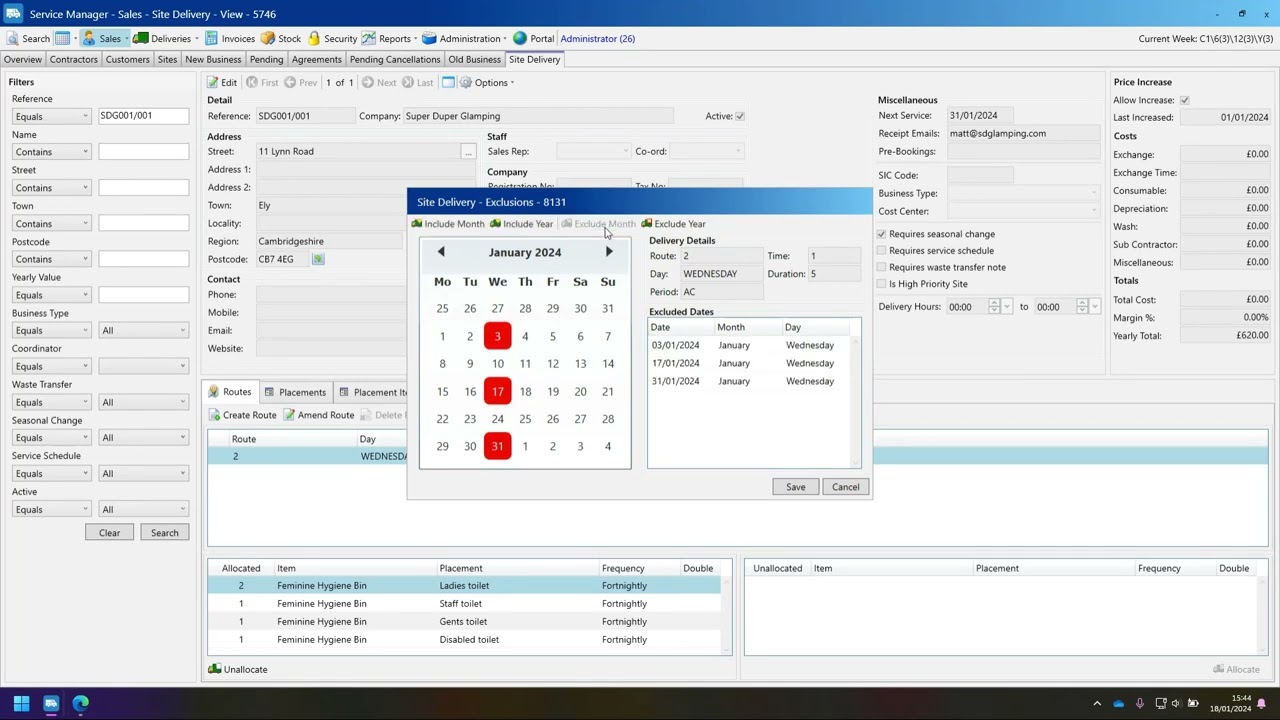
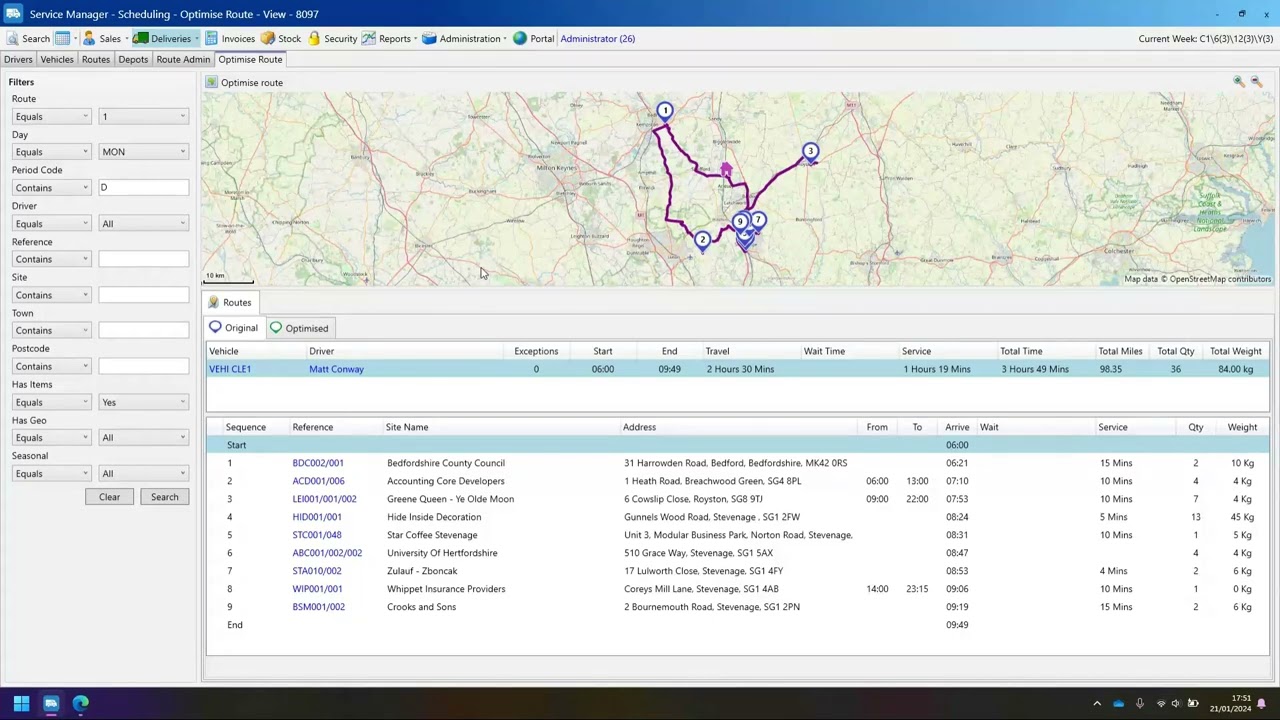
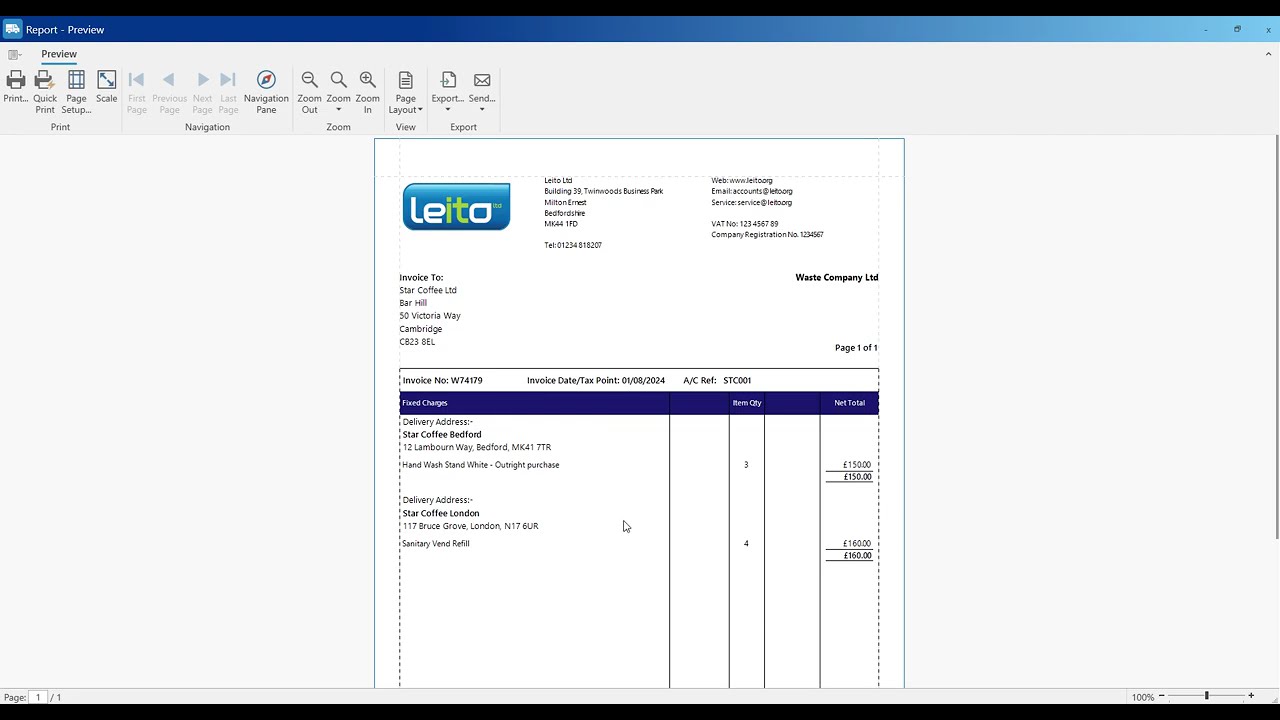
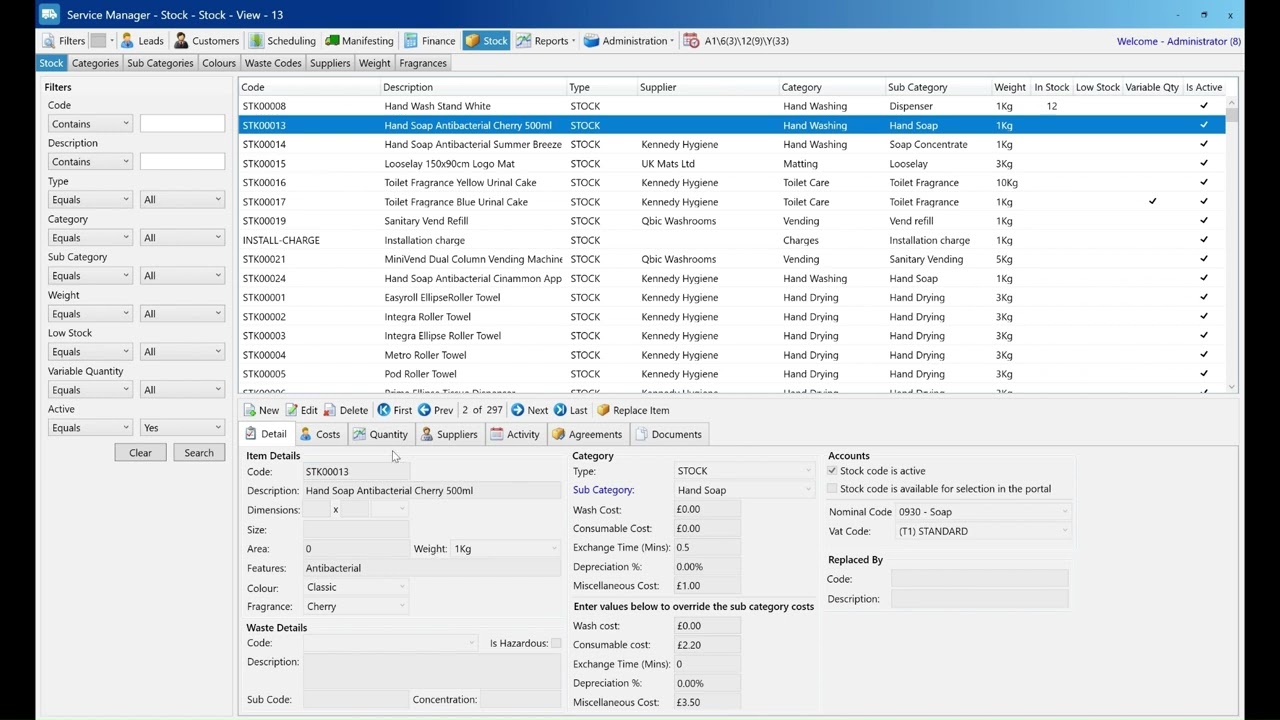
Learn how to add a lead in Service Manager in under 2 minutes. This quick tutorial shows you step by step how to create a new lead, fill in their details, and save them in the system.
This guide is ideal for sales teams and administrators who want to track potential customers effectively.