
Appearance
Entering a consignment number
Consignment numbers only apply to sites in Scotland. If your company requires a consignment number for hazardous waste, you will be prompted to enter one when starting a job that includes hazardous waste items.
INFO
This is switched on in the desktop app, at File → Edit Settings, on the Deliveries tab: Waste items marked as hazardous require a consignment number. It isn't a setting on the phone.
1) Open the consignment number screen
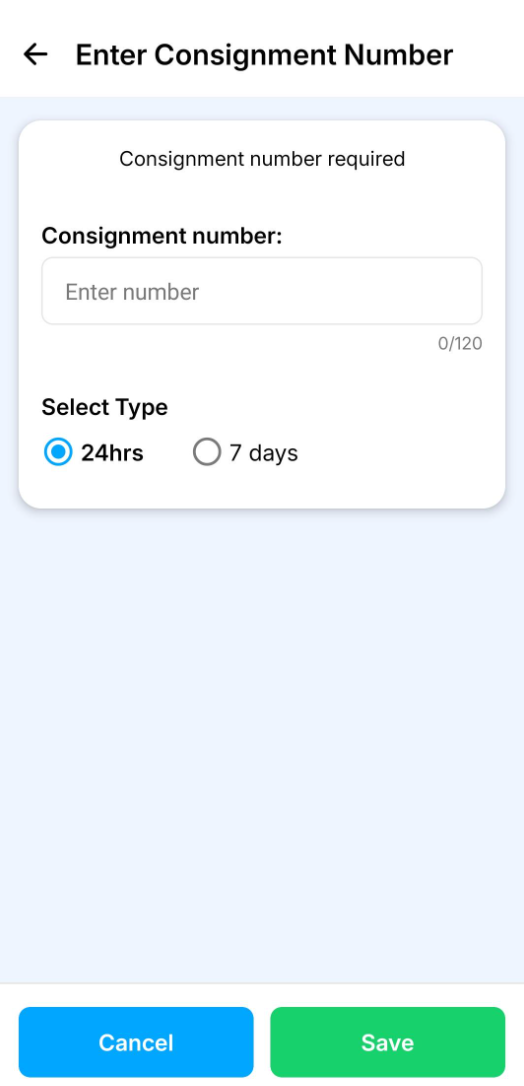
When you start the job, the Enter Consignment Number screen will be displayed.
2) Enter the consignment number
Type the reference into the Consignment number box.
3) Select the type
Under Select Type, choose how long the consignment number is valid for:
- 24hrs
- 7 days
4) Save
Press Save to confirm and continue with the job as normal. See How to Complete a Delivery in the Mobile App.