
Appearance
Understanding Routes
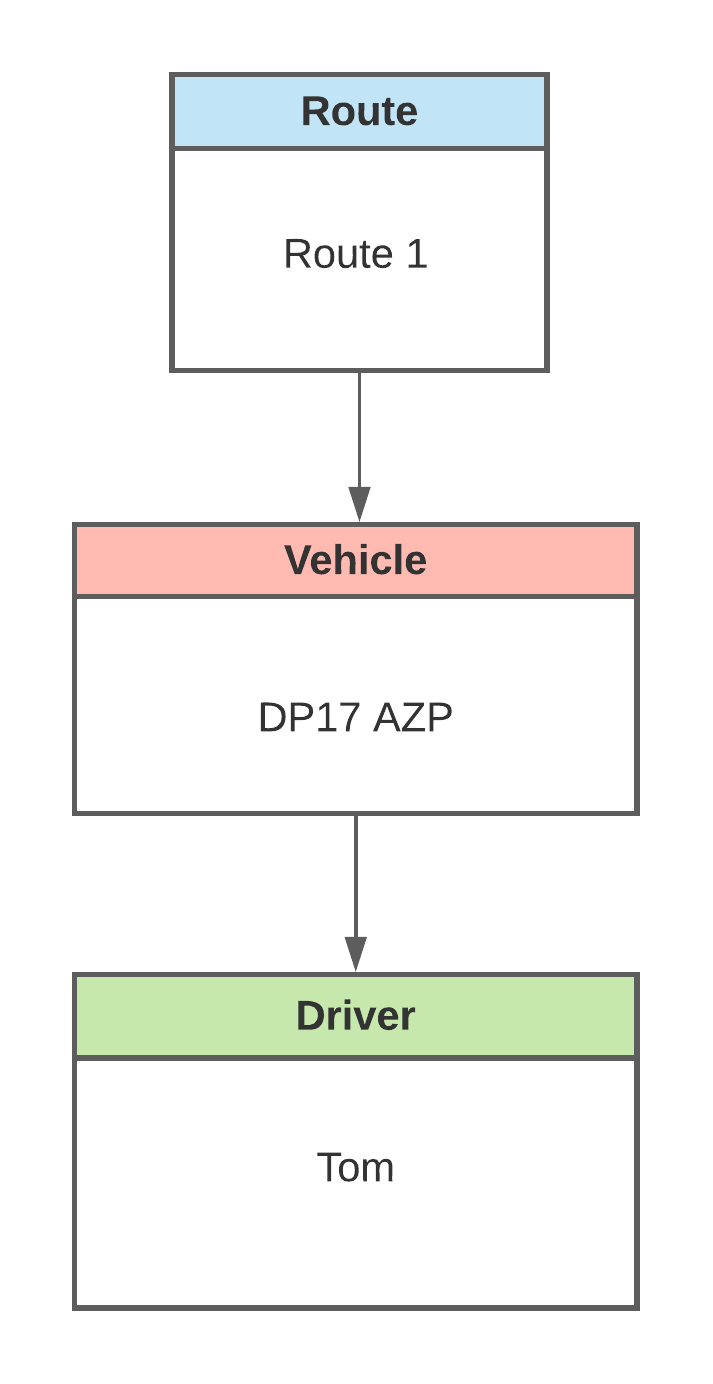
Routes in Service Manager are used to plan which service items are visited on which day of the week at each site. Every route has a default vehicle, and each vehicle has a default driver. The diagram below shows how they fit together:
You can create as many routes as you want.
Routes come in two types, Delivery and Scheduling. Most of your routes will be Delivery routes, which are put on manifests for drivers. A Scheduling route is never put on a manifest, so you can use one as a holding area for service items that aren't on a delivery route yet.